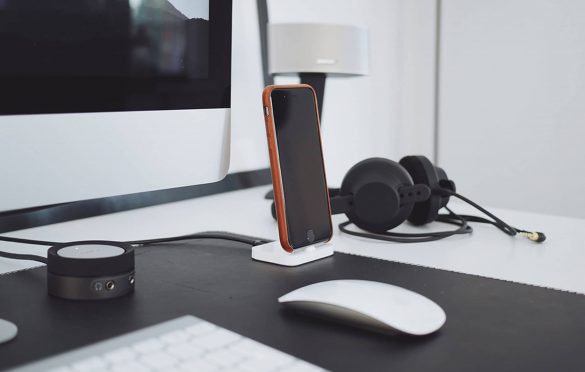
The right workstation is critical for creating a safe and healthy work environment and can have a huge impact on all employees, especially those with a disability. The UK has a long tradition of health and safety legislation, but recent figures from the Health and Safety Executive (HSE) show that 28.2 million working days are lost due to work-related illness or workplace injury each year. How we set up our workstations might be partly to blame for this.

Top ten tips for a comfortable workstation
- Move the chair close to the workstation.
- Sit upright, supported by the chair’s back support.
- Incline the seat 5-10° downwards.
- Sit with feet flat on the floor, or supported by a footstool.
- Sit directly in front of the computer screen and keyboard to avoid neck twisting.
- Position screens at eye level (laptops should be raised and use a separate keyboard) and look into the far distance every few minutes to vary focal length and avoid eyestrain.
- Check the direction of the light source to avoid glare or reflections on the screen. Place the screen at right angles to the window when possible.
- Relax shoulders, periodically check they do not become tense, rise up or hunch.
- Let upper arms hang down naturally from shoulders – there should be a right angle at your elbow when typing.
- Never use keyboard or mouse wrist rests for permanently resting your wrists on while you are working.
Leave a Reply